Design Your Own Custom Metal Carport
Choose your style. Customize the details. See it in your own space. Request a quote.
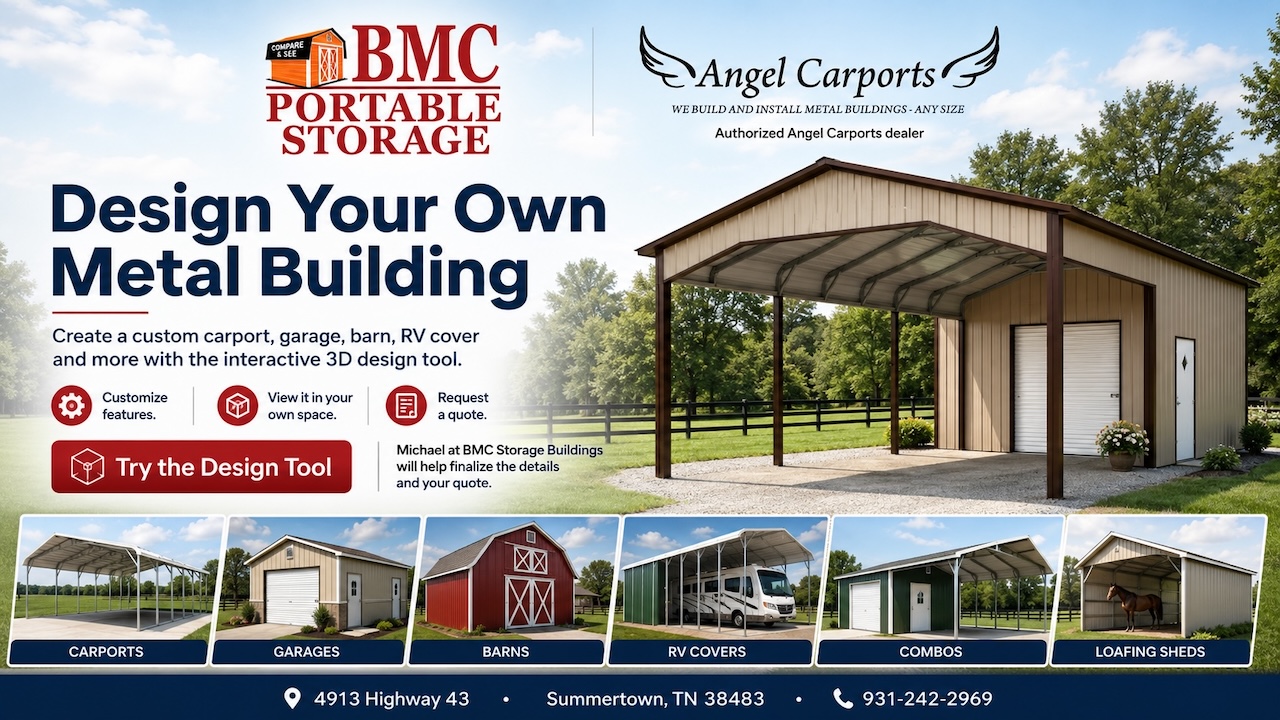
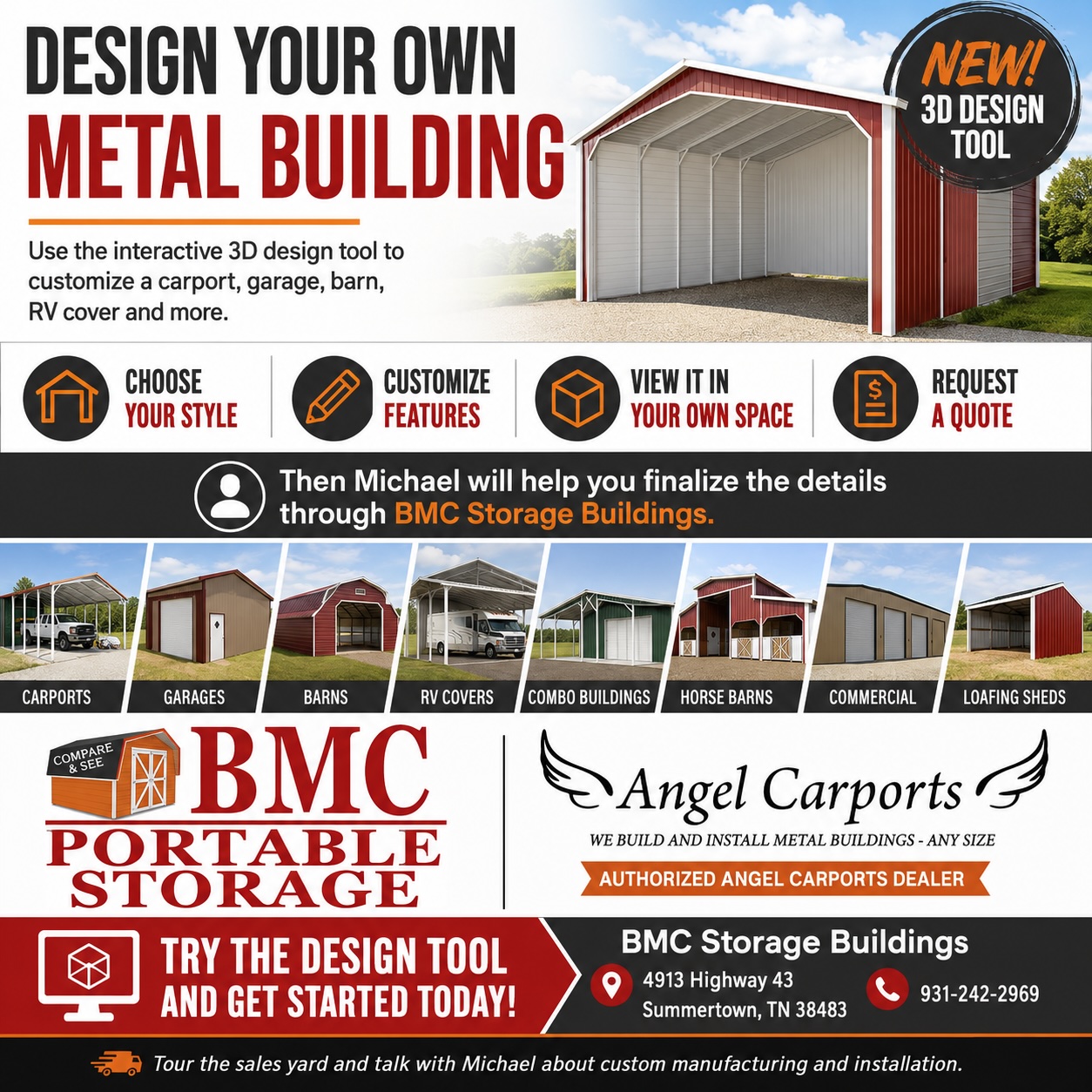
BMC Storage Buildings is an authorized Angel Carports dealer, and now you can use the interactive 3D design tool to begin creating a custom metal building from your computer, tablet or phone.
Start with the type of structure you need, then customize the size, roof style, colors, doors, windows, enclosed areas and other available features. You can rotate the building, view it from different angles and even use the visualization features to see how your building may look in your own space.
When you are ready, submit your design for a quote. Michael Banks at BMC Storage Buildings will follow up with you to review the details, answer questions and help finalize the custom manufacturing and installation process.
What Can You Design?
The interactive 3D building design tool gives you a starting point for a wide range of custom metal structures, including:
Carports
Design covered protection for cars, trucks, boats, tractors, equipment and more.
Garages
Create enclosed metal garages for vehicle storage, equipment, tools, workshops and other uses.
RV Covers
Design taller and wider structures for motorhomes, campers, travel trailers and other recreational vehicles.
Barns and Eagle Barns
Explore metal barn configurations for farms, equipment storage, agricultural use and multipurpose space.
Horse Barns
Customize metal buildings designed for equine and agricultural applications.
Combo Buildings
Combine enclosed storage with open covered areas to create a building that serves multiple purposes.
Commercial Buildings
Explore larger metal building options for business, equipment, storage and commercial needs.
Loafing Sheds
Design practical covered shelter for livestock and agricultural use.
Single-Slope, Triple-Wide and Other Custom Configurations
Start with one of the available building styles and customize it around your property and intended use.
A Better Way to Plan Your Metal Carport
Whether you are considering a carport, garage, RV cover, barn, horse barn, combo building, commercial structure or other custom metal building, the 3D design tool gives you a convenient way to begin exploring your options.
Design it online. See what you like. Request a quote. Then work directly with BMC Storage Buildings to finalize the details.
Start designing your custom metal building today.
Need Help With Your Design?
You do not have to figure everything out on your own.
Michael Banks at BMC Storage Buildings can help you compare building styles, think through the way you plan to use the structure and review the options that may work best for your property.
You can also visit the BMC Storage Buildings sales yard in Summertown to tour model structures in person and discuss your project.
BMC Storage Buildings
4913 Highway 43
Summertown, TN 38483
Call Michael: 931-242-2969
Hours:
Monday through Friday: 8 a.m. to 5 p.m.
Saturday, Sunday and after hours: By appointment
Ready to Get Started?
Use the interactive 3D design tool below to create your custom metal building.
Take your time. Try different styles. Change the colors. Add or remove features. See what works best for your property.
When you are satisfied with your design, submit it through the tool to request a quote. Michael Banks at BMC Storage Buildings will then help you review the project, work through the details and move toward custom manufacturing and installation.
Make It Your Own
Your building does not have to look like everyone else’s.
Use the 3D design tool to explore available customization options and create a structure that works for your property. Depending on the building style selected, you may be able to customize features such as:
- Building size and dimensions
- Roof style
- Roof and siding colors
- Open and enclosed sections
- Garage doors
- Walk-in doors
- Windows
- Side panels and end panels
- Building orientation
- Other available structural options
The tool lets you experiment with different combinations before you request a quote, making it easier to compare ideas and decide what works best for you.
See Your Building Before You Buy
One of the most useful features of the interactive design tool is the ability to visualize your building before moving forward.
Rotate the structure, view it from different angles and explore how changes in size, color and features affect the overall look. Where supported by your device, you can also use the visualization feature to see how the building may appear in your own space.
This can help you make better decisions before requesting a quote.